The Secret to Never Losing Your Travel Documents Again
Lost documents ruin trips. Here is the foolproof system to organize and access every travel document — even without internet.
The Document Disaster Nobody Talks About
It happens more often than you think: 1 in 5 travelers has experienced a document emergency while abroad. A lost passport, a missing hotel confirmation, an unreachable boarding pass because of no WiFi. These moments can turn a dream vacation into a nightmare.
The Problem with Current Solutions
Most travelers rely on one of these flawed approaches:
- Email — Documents buried in threads, requires internet to search
- Cloud storage — Needs internet connection, confusing folder structures
- Screenshots — Cluttered camera roll, hard to find when needed
- Paper copies — Can be lost, damaged, or stolen
- Note apps — Not designed for document organization
None of these work reliably when you are standing at a foreign border crossing with no signal.
The Document Organization System
After helping 10,000+ travelers organize their documents, we have identified the system that works every time:
Step 1: Centralize Everything
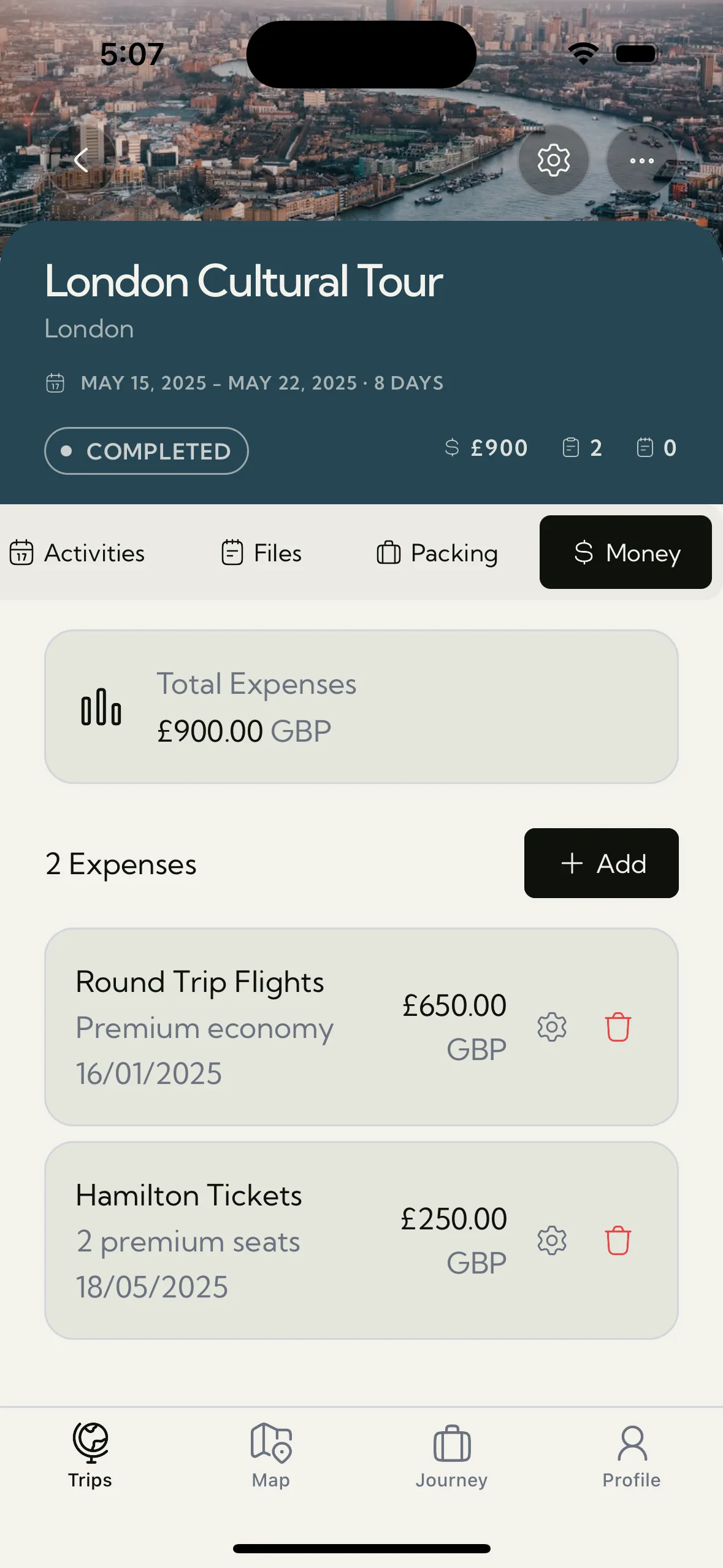
Put every travel document in one dedicated place — not scattered across email, photos, and notes. Trip Mate's Document Vault is built specifically for this — a secure, organized storage space for all travel documents.
Step 2: Organize by Trip
Group documents by trip rather than by type. When you need your hotel confirmation in Paris, you want to find it under "Paris Trip" — not buried in a generic "Hotels" folder.
Step 3: Pin Critical Documents
Mark your most-needed documents (passport, boarding pass, emergency contacts) as favorites so they are always one tap away. Trip Mate lets you pin important files for instant access.
Step 4: Ensure Offline Access
This is the most critical step. Your documents must be accessible without internet. Airport WiFi is unreliable, roaming data is expensive, and remote areas have no signal. Trip Mate stores everything locally on your device — no internet needed, ever.
Step 5: Create a Pre-Trip Checklist
Before every trip, verify you have digital copies of:
- Passport (photo page and any relevant visa pages)
- Flight confirmations and boarding passes
- Hotel/accommodation bookings
- Travel insurance documents
- Emergency contact information
- Local embassy contact details
What to Do If You Lose a Document Abroad
Even with the best system, things can go wrong. Here is your emergency protocol:
- Lost passport: Contact your nearest embassy immediately. Having a digital copy speeds up the replacement process significantly
- Lost boarding pass: Most airlines can reissue at the gate with your ID
- Lost hotel booking: Contact the hotel directly with your confirmation number
Never Panic Again
The key to stress-free travel documentation is simple: centralize, organize, and ensure offline access. Trip Mate's Document Vault does all three — keeping your critical documents secure, organized, and available whether you have WiFi or not.
Download Trip Mate and never worry about lost documents again. Your passport, tickets, and reservations — always one tap away, no internet required.