5 Travel App Features You Are Probably Not Using (But Should Be)
Most travelers only scratch the surface of their travel apps. These overlooked features can save you hours of planning and hundreds of dollars per trip.
You Are Leaving Value on the Table
We analyzed how thousands of Trip Mate users interact with the app, and the results were surprising. Most travelers use only 3 core features — itinerary building, packing lists, and document storage. Meanwhile, the features that deliver the biggest time and money savings go completely untouched.
Here are the five most underused features that can transform how you travel.
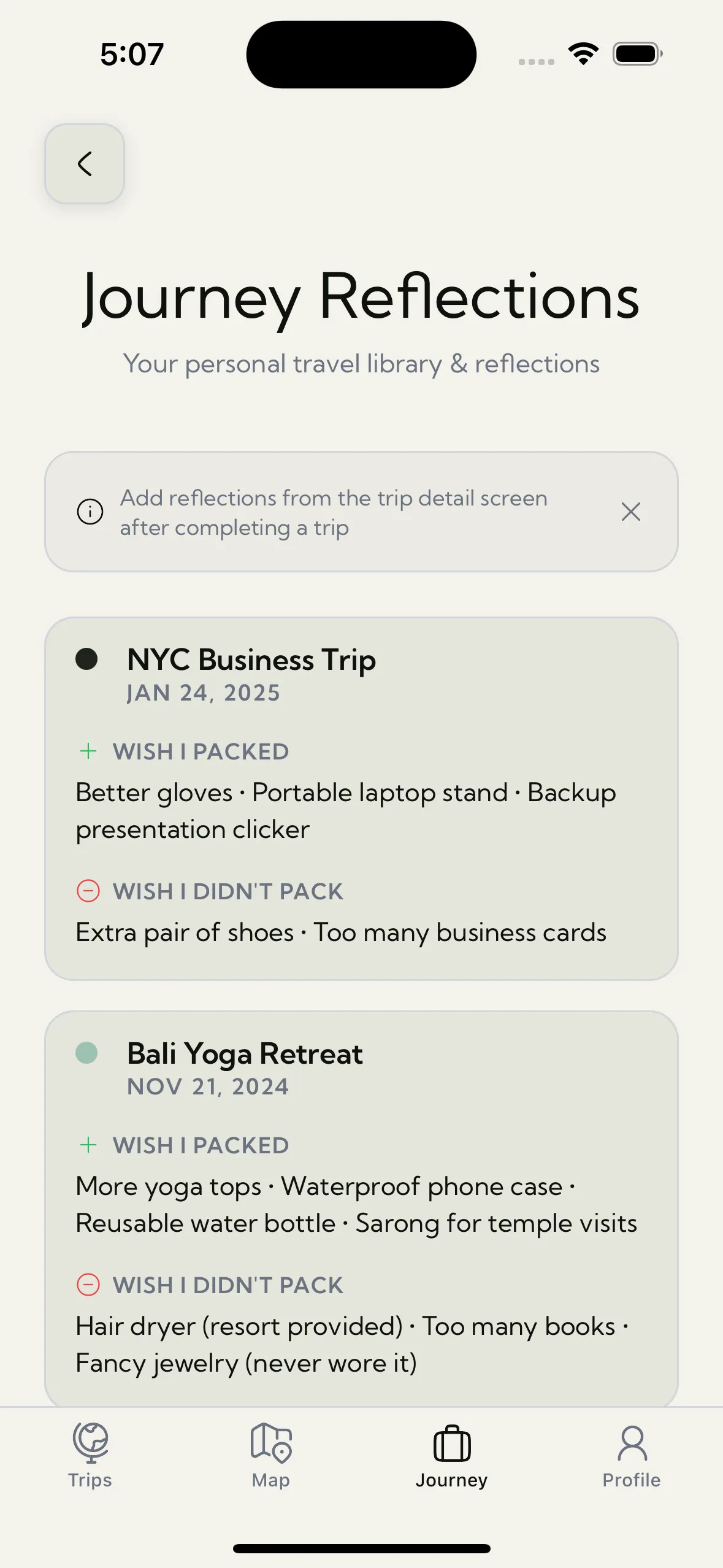
1. Trip Reflections: The Feature That Makes Every Trip Better Than the Last
After a trip ends, most travelers dump their suitcase, upload their photos, and move on. The problem? They repeat the same mistakes on the next trip. Packed too many shoes. Forgot a power adapter — again. Booked a hotel that was "close to the center" but 40 minutes by transit.
Trip Reflections lets you capture what worked, what did not, and what you would change — right after it happens, while the experience is fresh. On your next trip, those notes surface automatically. It is like having a conversation with your past self.
Travelers who use Trip Reflections report packing 30% lighter by their third trip because they finally stop guessing about what they actually need.
2. Google Drive Sync: Your Trips, on Every Device
Planning a trip on your iPad and want to access everything on your iPhone at the airport? Google Drive Sync keeps your trips, documents, and packing lists synchronized across all your Apple devices — automatically and securely.
The best part: your data is still stored locally on each device. The sync works in the background, and everything remains accessible offline. If you lose your phone, your trip data is not gone forever — it is waiting on your other devices.
This is the feature travelers discover after a bad experience (a lost phone, a broken screen mid-trip) and wish they had enabled sooner.
3. Guide Me Back: Never Get Lost Again
You are wandering through a maze of streets in Marrakech or exploring back alleys in Tokyo. It is incredible — until you realize you have no idea how to get back to your hotel, and your phone has no data signal.
Guide Me Back saves your starting point (hotel, parking spot, Airbnb) and guides you back using your phone's compass — with zero internet required. No maps to download, no GPS data plan needed. Just a simple, reliable way to retrace your steps.
Solo travelers call this their "peace of mind" feature. It is the kind of thing you do not think about until you desperately need it.
4. Magic Photo Locations: Turn Your Camera Roll Into a Travel Map
Your phone already knows where every photo was taken (GPS metadata). Magic Photo Locations reads that data — entirely on your device, never uploaded anywhere — and automatically maps every country you have visited.
Open the World Map and watch your travels light up across the globe. Countries you had forgotten about suddenly appear. That layover in Doha? That road trip through Slovenia? They are all there, waiting to be rediscovered.
It is the fastest way to build your travel map without manually entering a single country. And since the analysis happens locally, your photo library stays private.
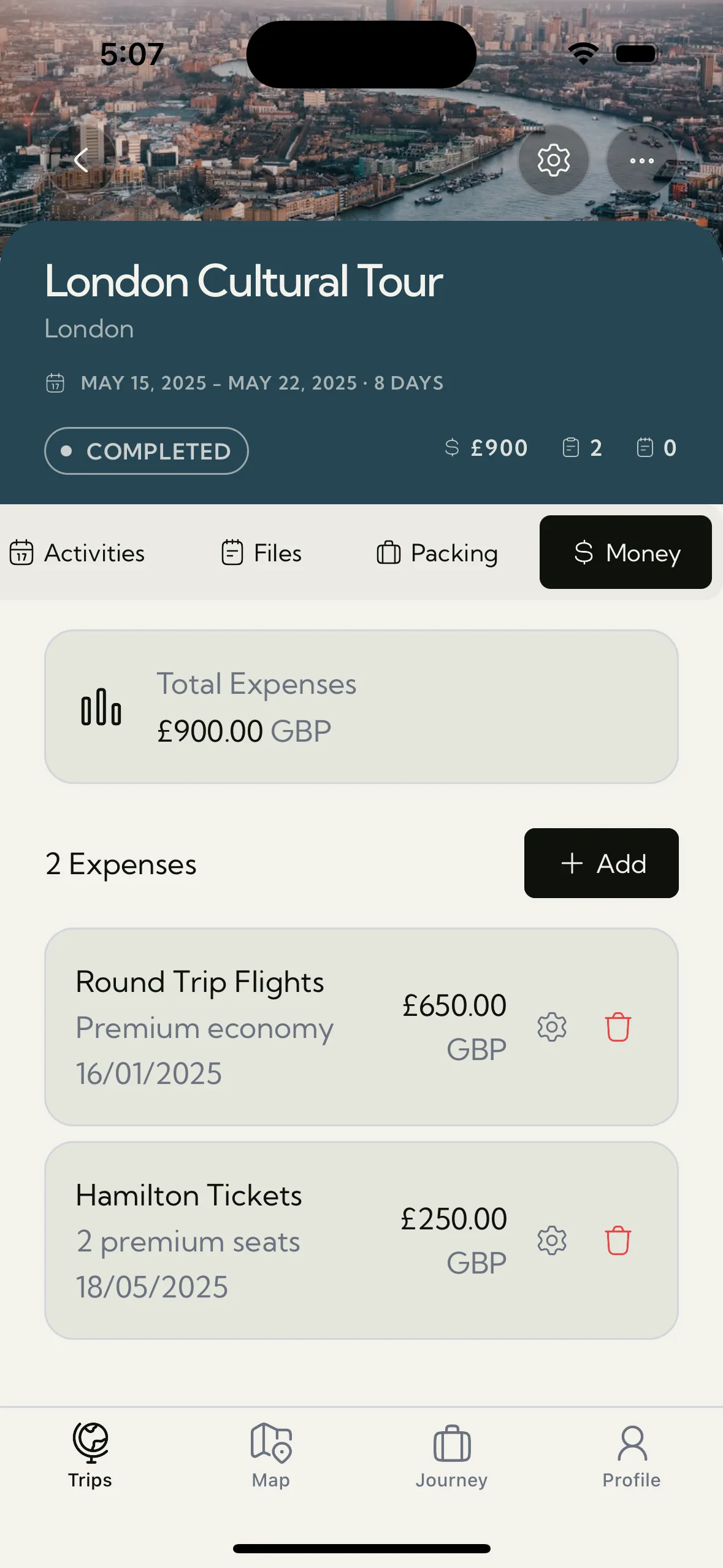
5. Advanced Expense Reports: See Where Your Money Really Goes
Basic expense tracking tells you how much you spent. Advanced expense tracking tells you where your money pattern leads. Category breakdowns reveal whether food, transport, or activities dominate your budget. Multi-currency support means you log expenses in the local currency and Trip Mate handles the conversion.
One traveler discovered she was spending 40% of her budget on taxis — something she never would have noticed without the category breakdown. On her next trip, she switched to public transit for short rides and saved over $200 in a week.
The data export feature takes this further: export your trip expenses as a clean report for reimbursement, tax purposes, or simply to plan your next trip's budget based on real numbers.
Why These Features Matter
Travel apps should get smarter the more you use them. These five features create a compound effect:
- Trip Reflections make your next trip better than the last
- Google Drive Sync protects your data and keeps it accessible everywhere
- Guide Me Back removes the anxiety of exploring unfamiliar places
- Magic Photo Locations automatically builds your travel history
- Advanced Expense Reports reveal patterns that save real money
Each trip becomes smoother, cheaper, and more enjoyable — not because you plan more, but because your tools learn with you.
Start Using What You Have Been Missing
If you are already using Trip Mate, you might be surprised by how much you have not explored yet. These features are built to reward the curious traveler — the one who wants each trip to be better than the last.
Download Trip Mate and unlock the full toolkit. Your itinerary, documents, expenses, packing, reflections, and maps — all in one offline-first app built for travelers who take their adventures seriously.