Your Travel Data Isn't Safe — Here's What Nobody Tells You
Most travel apps collect and sell your personal data. Discover the hidden risks and how to protect your travel information.
The Hidden Cost of Free Travel Apps
You download a travel app, enter your passport details, flight information, hotel bookings, and credit card numbers. But have you ever wondered where all that data goes? The truth is alarming: most travel apps collect far more data than they need, and many sell it to third-party advertisers.
A recent study found that popular travel apps share user data with an average of 18 third-party trackers. Your travel patterns, spending habits, and even document scans could be sitting on servers you know nothing about.
What Travel Apps Know About You
Here is what the average travel app collects:
- Location data — tracked continuously, even when you are not using the app
- Financial information — credit card details, spending patterns, budget data
- Personal documents — passport scans, visa copies, ID photos
- Travel patterns — where you go, how often, and who you travel with
- Contact information — email, phone number, social media profiles
Why This Matters More Than You Think
Travel data is uniquely sensitive. It reveals when your home is empty (prime target for burglars), your financial capacity, your identity documents, and your movement patterns. A data breach at a travel company does not just expose an email — it could expose your entire identity.
The Offline-First Alternative
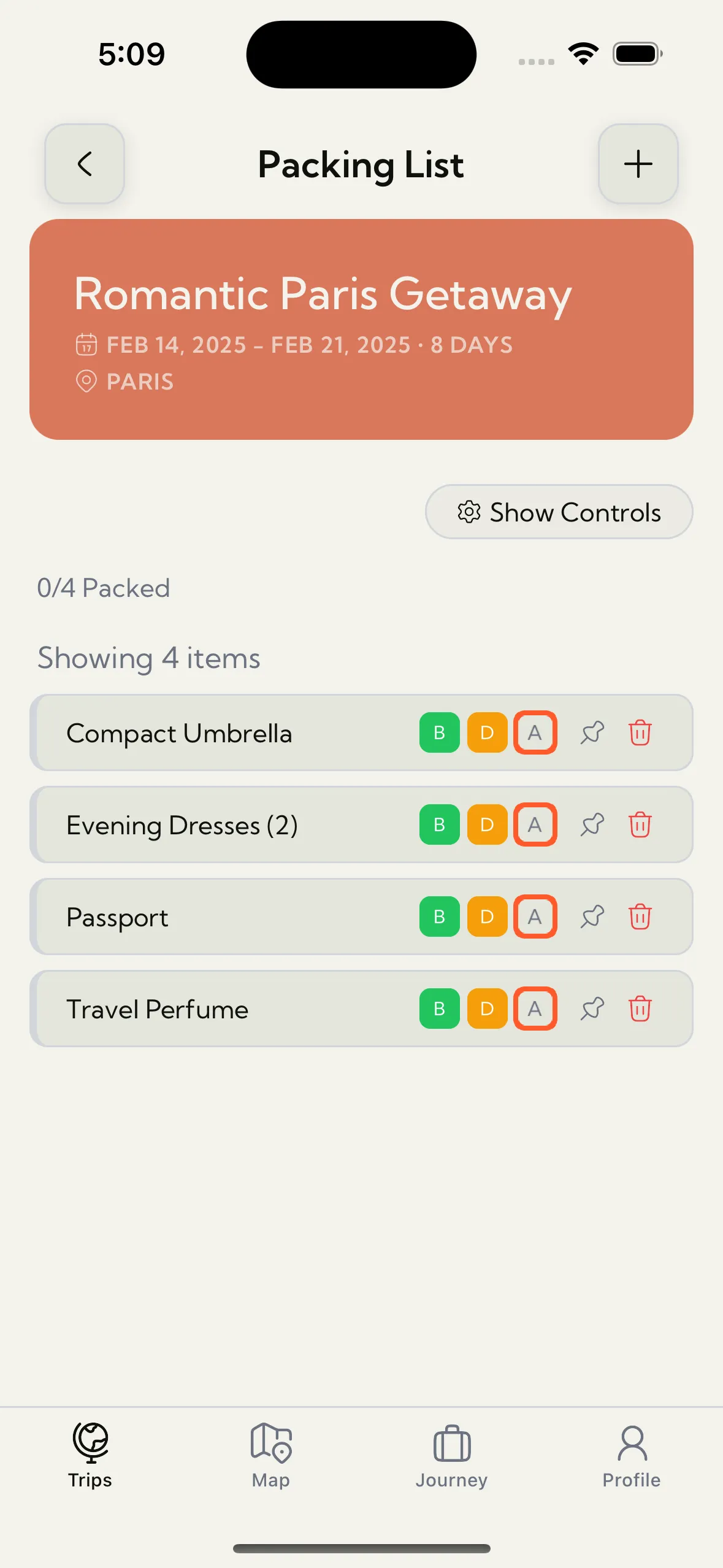
What if your travel app simply could not leak your data because it never had it in the first place? That is the philosophy behind Trip Mate.
Trip Mate is built on an offline-first architecture. This means:
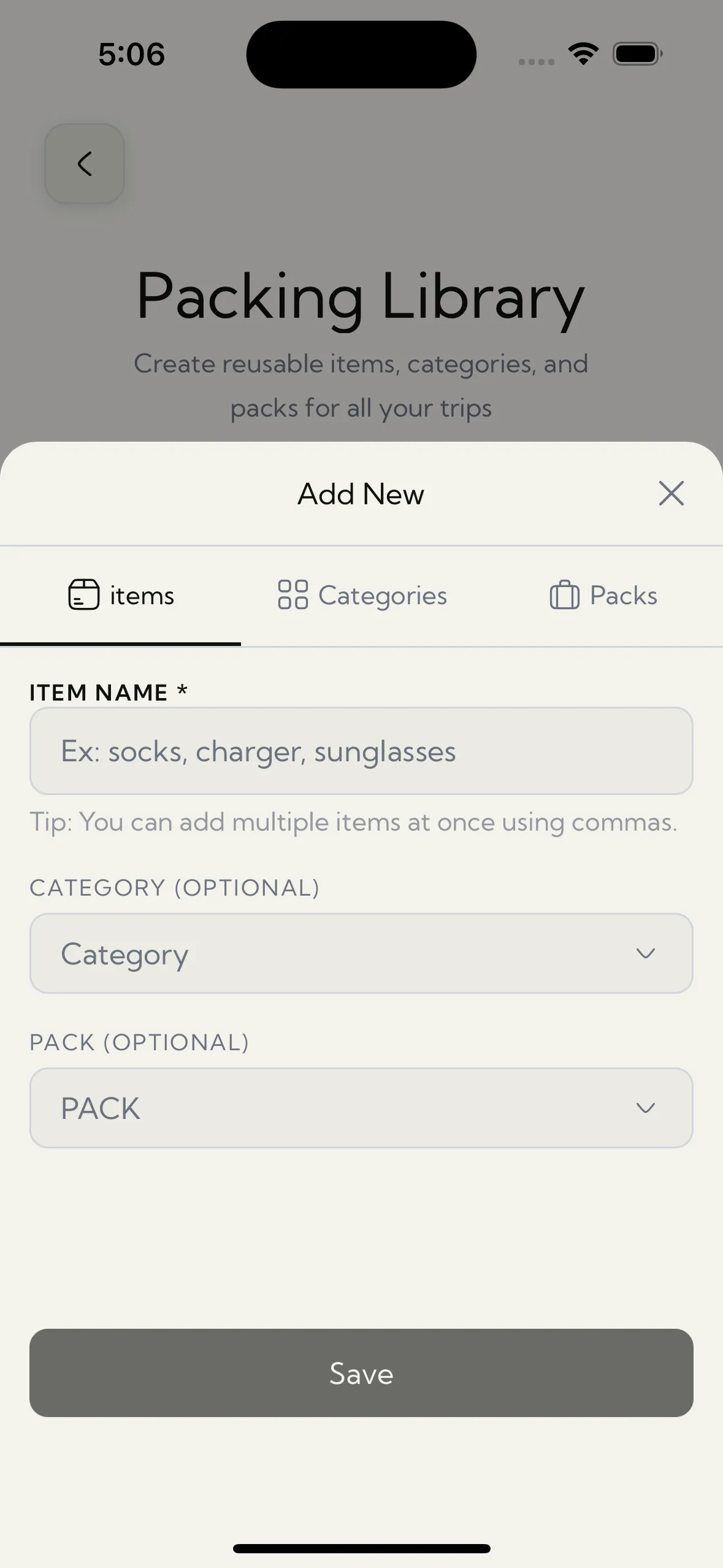
- All your data is stored locally on your device — nowhere else
- No account creation required — no email, no password, no profile
- No tracking or analytics on your personal travel data
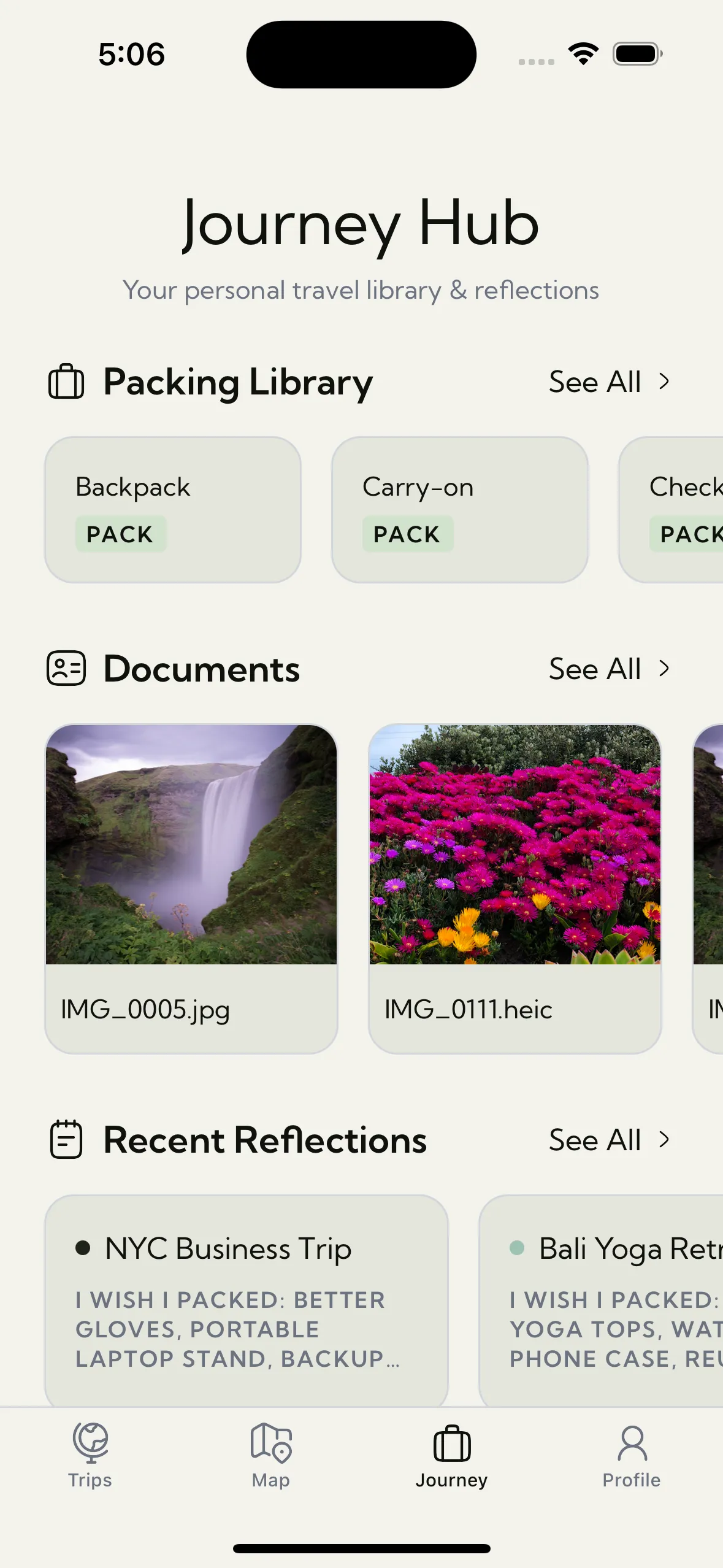
- Documents and photos stay in the app's local sandbox
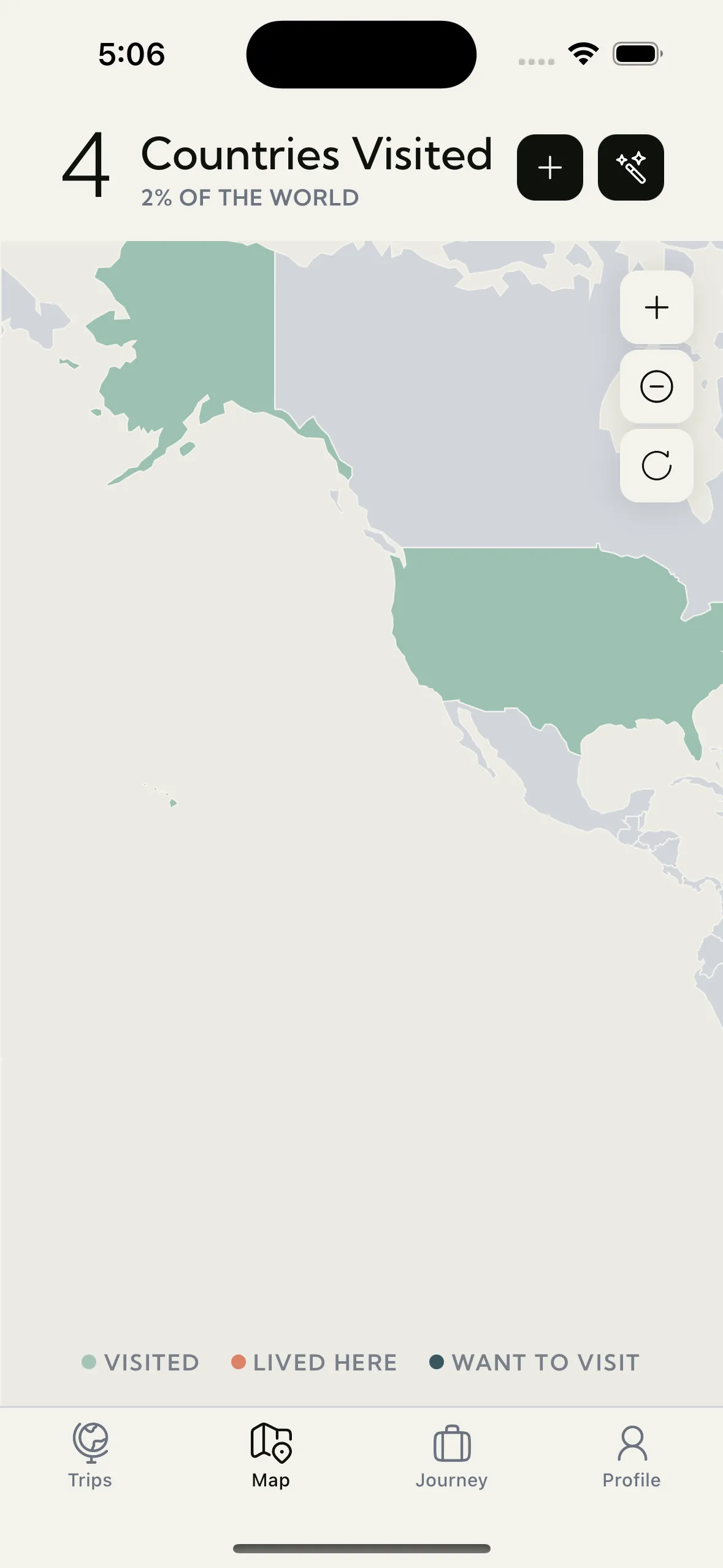
- Works 100% without internet connection
How to Protect Your Travel Data
1. Audit Your Current Apps
Check the privacy policies of every travel app on your phone. Look for what data they collect and who they share it with.
2. Use Offline-First Tools
Choose apps that store data locally rather than in the cloud. If an app requires an internet connection to show you your own itinerary, ask yourself why.
3. Limit Permissions
Only grant necessary permissions. Most travel apps do not need access to your contacts, microphone, or continuous location.
4. Avoid Storing Documents in Email
Emailing yourself passport scans and hotel confirmations creates multiple copies across servers. Use a secure, local document vault instead.
Travel Smart, Travel Private
Your travel data is personal. It contains your identity, your finances, and your movements. Choose tools that respect your privacy by design — not as an afterthought.
Download Trip Mate — the travel planner that keeps your data where it belongs: on your device. No servers. No tracking. No compromise.